Overview
Jurisdictions
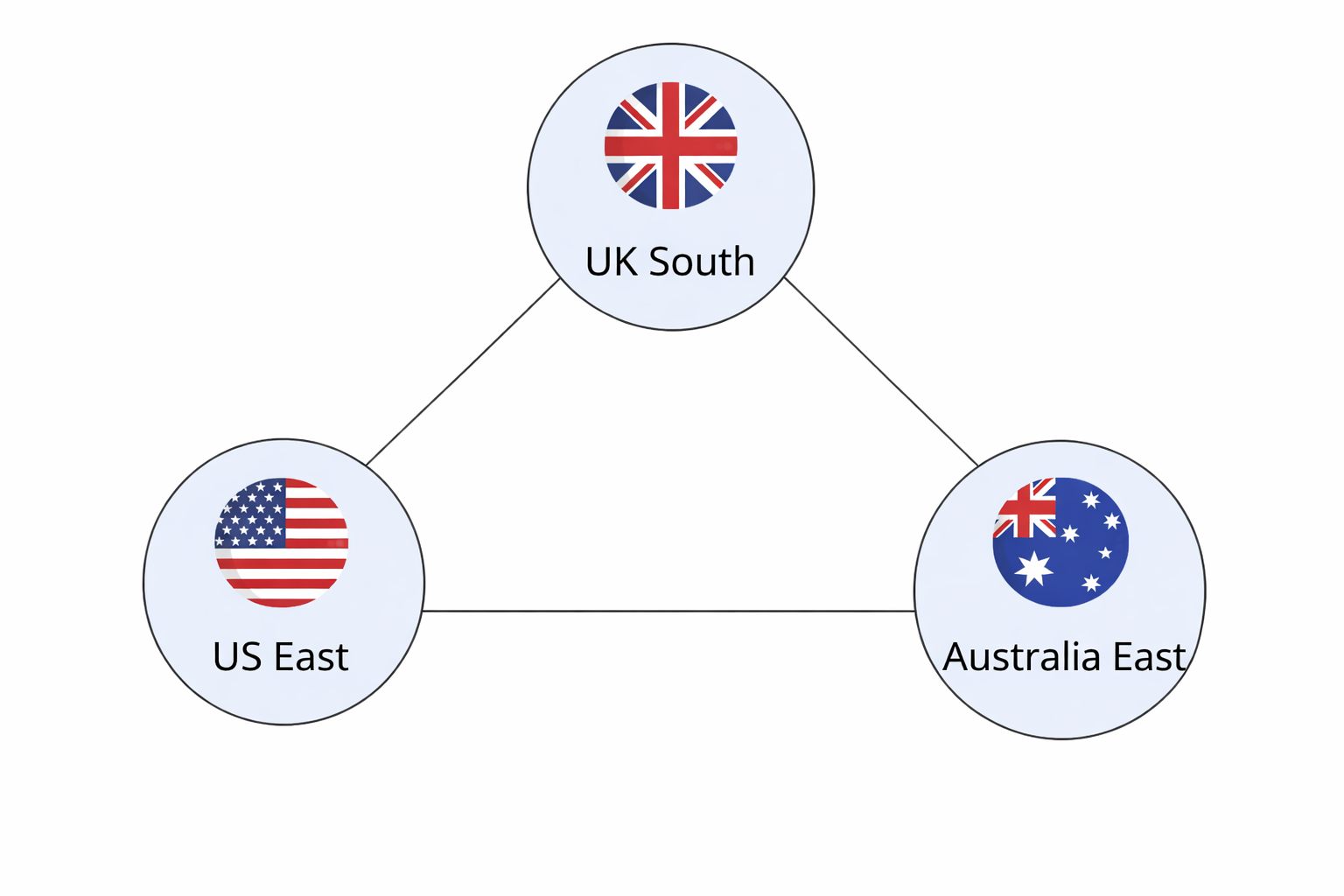
The RTGS.global network is organised into jurisdictions, each corresponding to a specific Azure region. When onboarding, participants simply select the Azure region (jurisdiction) that is most appropriate for their organisation — typically based on proximity to their own platform or operations.
Within each jurisdiction, Funds Controllers (such as central banks or similar entities) provide financial accounts. Participants are not required to select a Funds Controller during onboarding. As participants open accounts, they may do so with one or more Funds Controllers within the chosen jurisdiction, depending on their needs. This means a participant can have accounts across multiple Funds Controllers.
This approach streamlines onboarding, allowing participants to focus on regional alignment first, with the flexibility to engage with one or more Funds Controllers as their needs evolve.
Access Methods
Services are available through two channels:
- Participant Portal — a user interface for initiating product services
- API integration — programmatic access (requires a network connection)
An emulator is available via Docker for learning the API before production integration. See The Emulator.
Identity
Each participant receives an RTGS.global identifier in the following format:
RTGS:<org-type>:<country-code><8-digit-number>
Example: RTGS:B:GB23410282
Participants also create their own decentralised identity (DID) based on a unique secret string generated during onboarding.
Security and Message Integrity
All requests require digital signatures via the RTGS.global Signing API, transmitted as the rtgs-global-sig HTTP header. All responses are signed by the sender and you are expected to verify the attached signature before processing.
Core APIs
Two APIs enable interaction with RTGS.global:
| API | Purpose |
|---|---|
| Gateway API | Exposes product services — all requests must be signed |
| Signing API | Self-hosted module for generating and verifying signatures (built on ACA-Py / OpenWallet Foundation) |